
The most beautiful way to control Home Assistant.
Design stunning native dashboards, draw a living floor plan of your home, bring it to life with animated artwork, and play music in every room — beautifully, on every screen, all private and all yours.
One app for every screen. Connects directly to your Home Assistant and Apple Home — no account, no cloud middle-man.
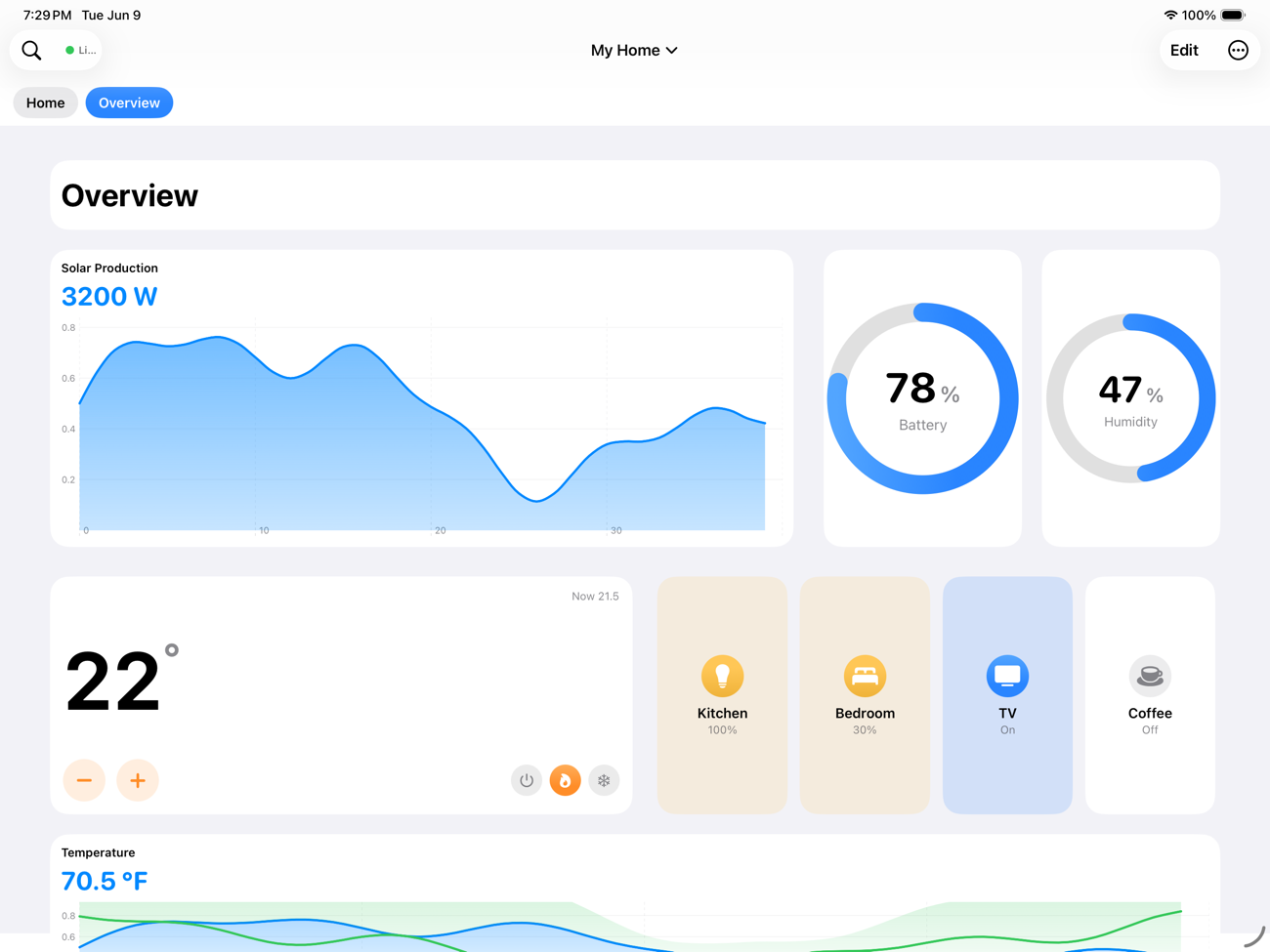
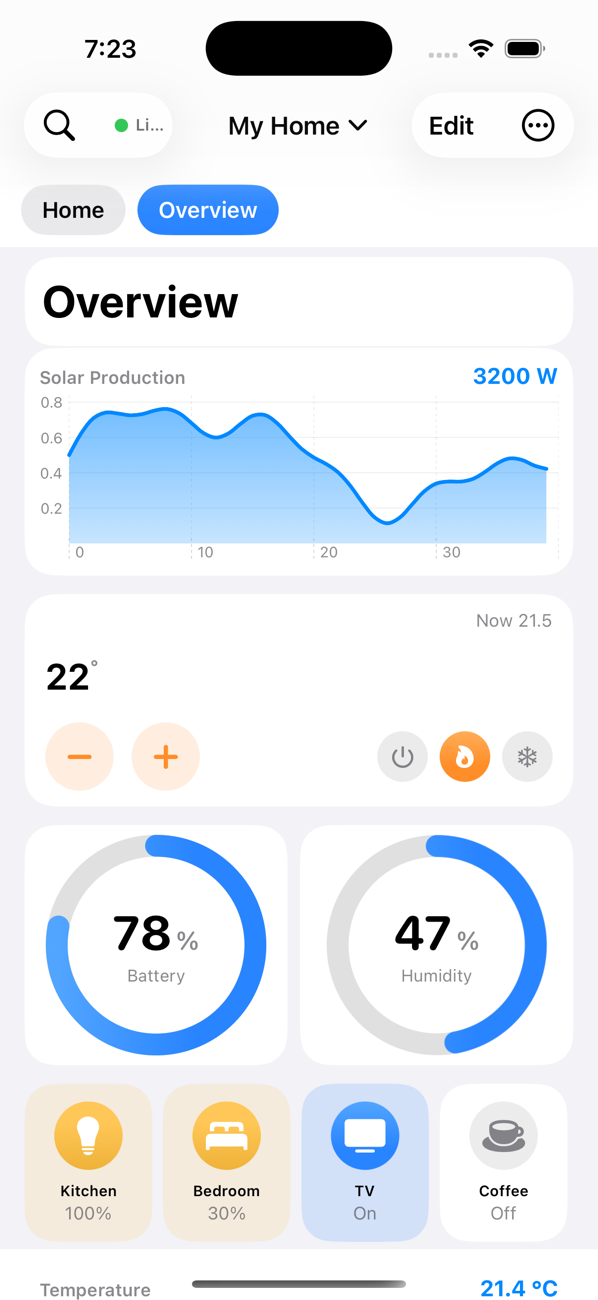
A whole home, beautifully in hand
Every tile is native, fast, and yours to arrange.
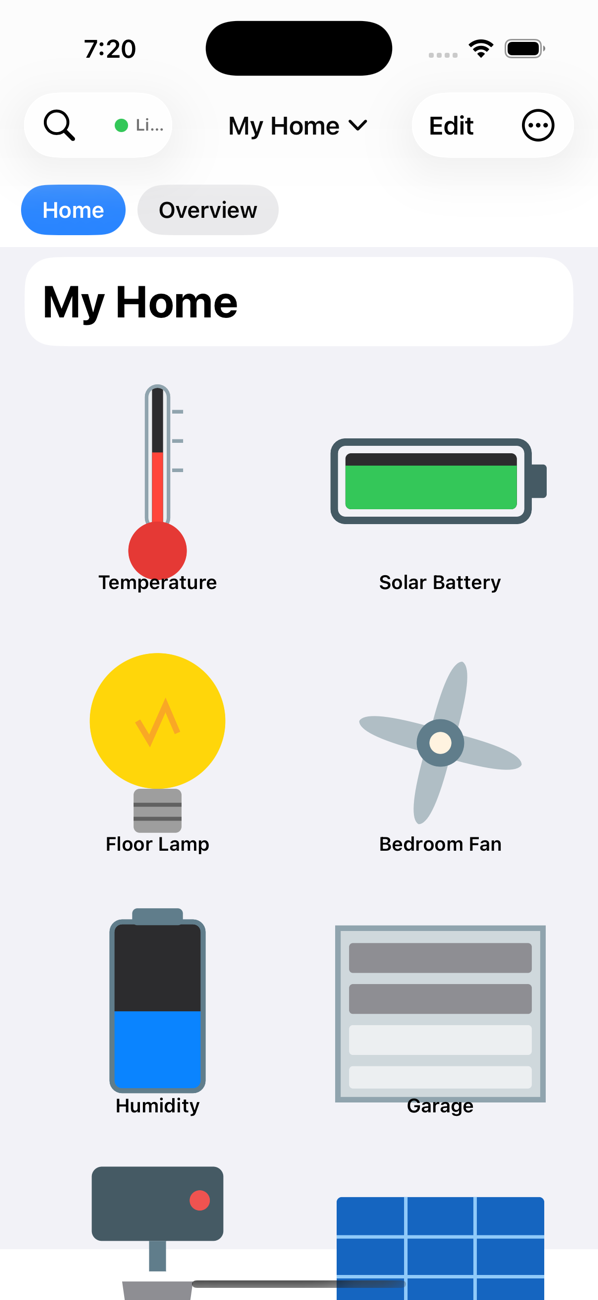
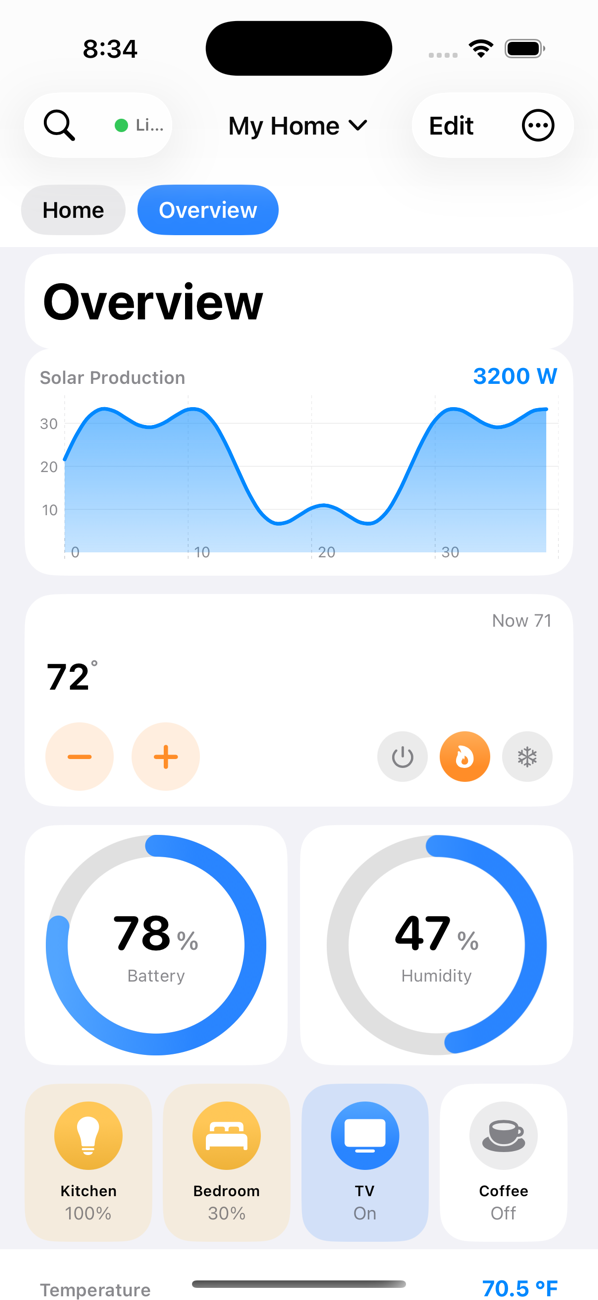
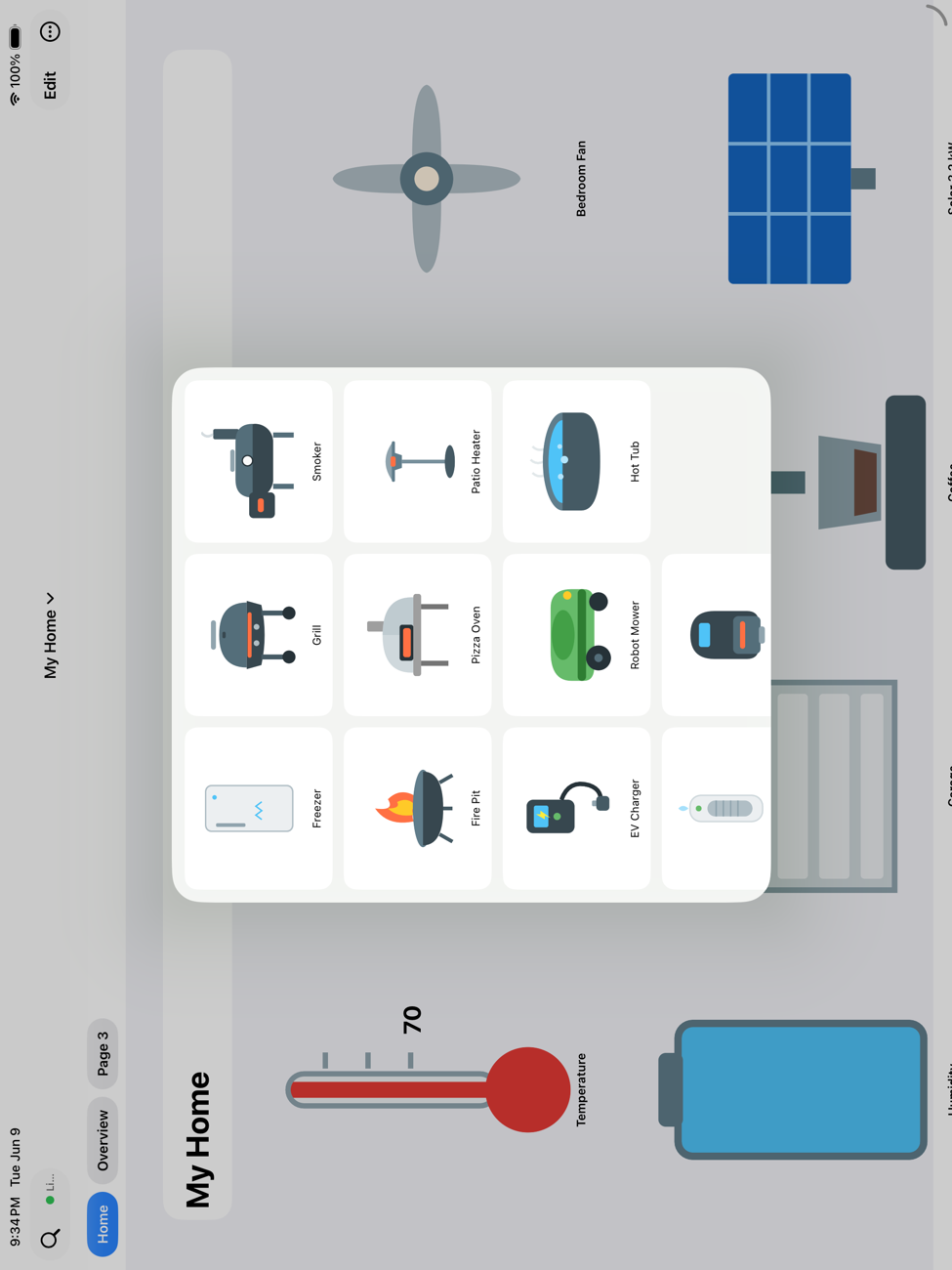
The big canvas your home deserves
The iPad turns Flux into a design studio — a wide, free-form canvas with a tailored layout that's all its own, perfect on the desk or mounted on the wall.
- A dedicated iPad layout, designed independently from iPhone and Apple TV
- Drag-and-drop builder with snap-to-grid, smart alignment and free zoom
- Wall-panel kiosk mode with a clock screensaver and wake-on-motion
Art — and a floor plan — that react to your home
Draw your home's floor plan with walls, doors and furniture, then map a library of premium vector objects to your entities and watch everything come alive — lights glow in their real color, fans and washers spin, thermometers fill, tanks show their level.
- To-scale floor plans you can set as a live dashboard backdrop
- Lamps, fans, appliances, vehicles, water, outdoor & wellness gear
- Import your own SVGs and wire them up in seconds
Your whole Apple home, in one place
Flux speaks fluent Apple. Control your Apple Home accessories right beside Home Assistant, play Apple Music across every speaker, and pull in Apple Weather and your calendars — natively, with no extra setup.
- Apple Home — show and control HomeKit accessories alongside Home Assistant
- Apple Music — play to AirPlay 2 speakers, group rooms, scrub the track, see album art & visualizers
- Apple Weather — full daily & hourly forecasts in your units
- Helpers — build virtual devices that combine and calculate, in plain language
Design once. It's everywhere.
Edit a dashboard on your iPhone and it appears on your iPad and Apple TV — automatically, through your own private iCloud. No exporting, no re-pairing, no servers in the middle.
Design
on iPhone or iPad
Your private iCloud
encrypted, only yours
iPad updates
instantly
Apple TV updates
on the big screen
Real history, plotted beautifully
Flux pulls your actual Home Assistant history and renders smooth, multi-entity charts with live readouts — temperature, energy, solar, anything numeric — over the range you choose.
- Live values and flexible time windows
- Full metric / imperial unit conversion everywhere
- Gauges, energy flow, and weather tiles too
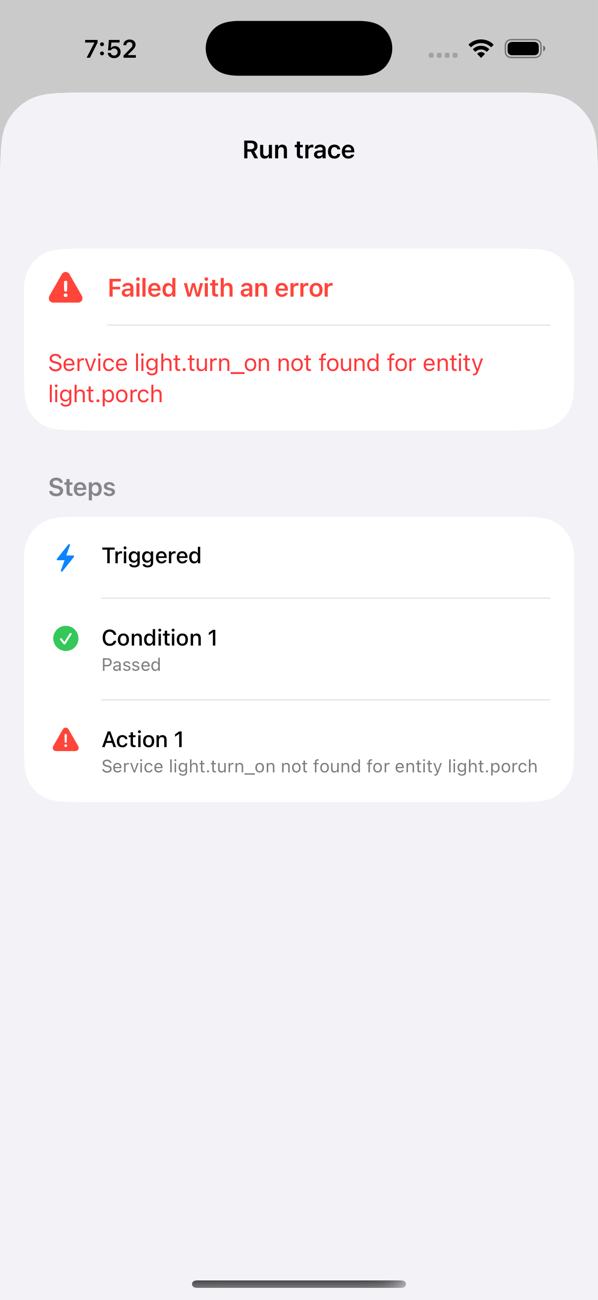
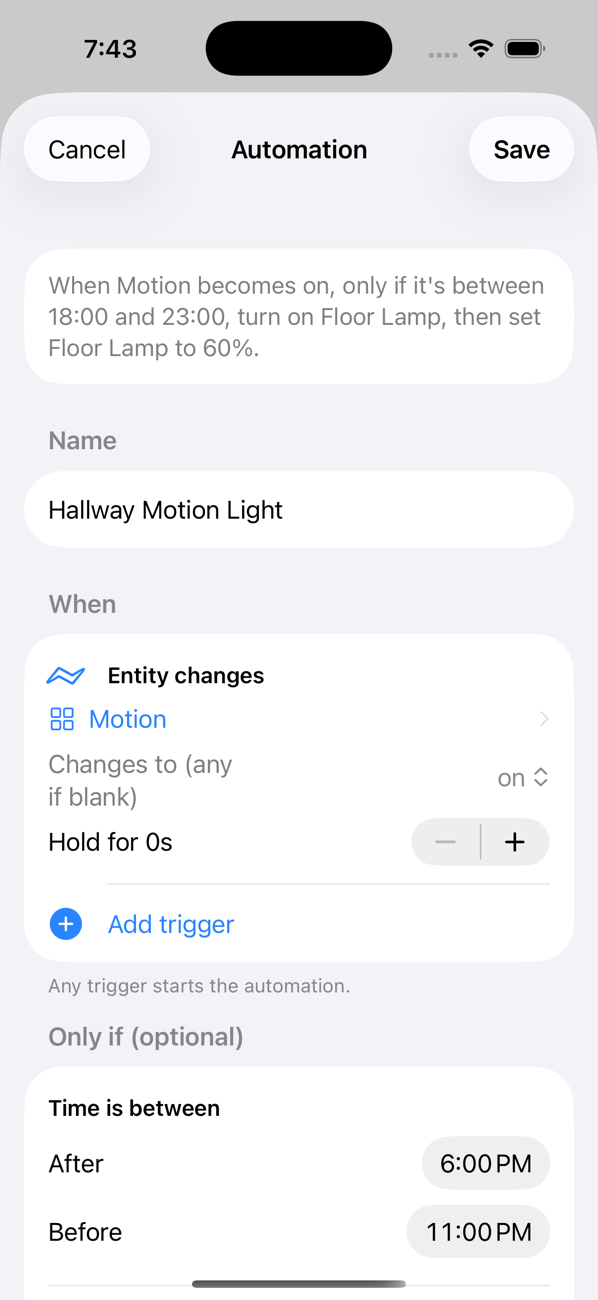
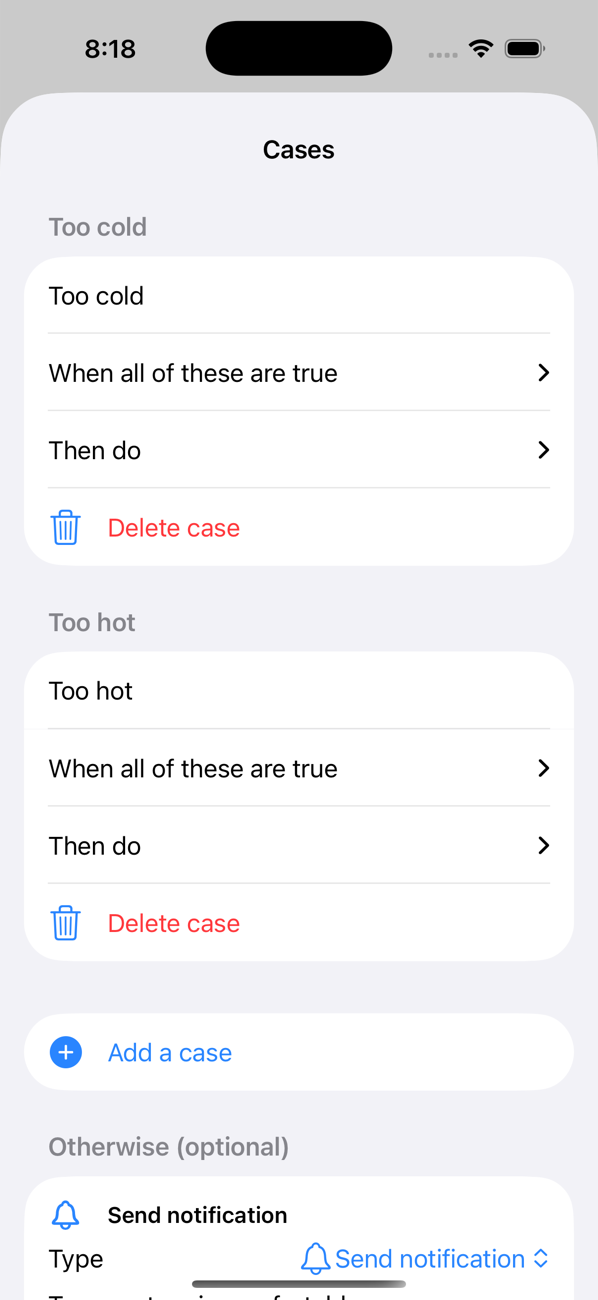
Automations that branch — and explain themselves
A visual “When → Only if → Do” builder that reads like plain English, with branching Cases for different situations. Then test it, run it, and trace exactly where it succeeded or failed.
- Triggers, conditions, and a deep action library
- Nestable Cases — do different things in different situations
- Built-in testing, monitoring, and step-by-step traces
Your home, on the big screen
A dedicated, native Apple TV app shows the exact dashboards you designed — same widgets, floor plans, themes and positions — beautifully scaled for the living room and fully navigable with the Siri Remote.
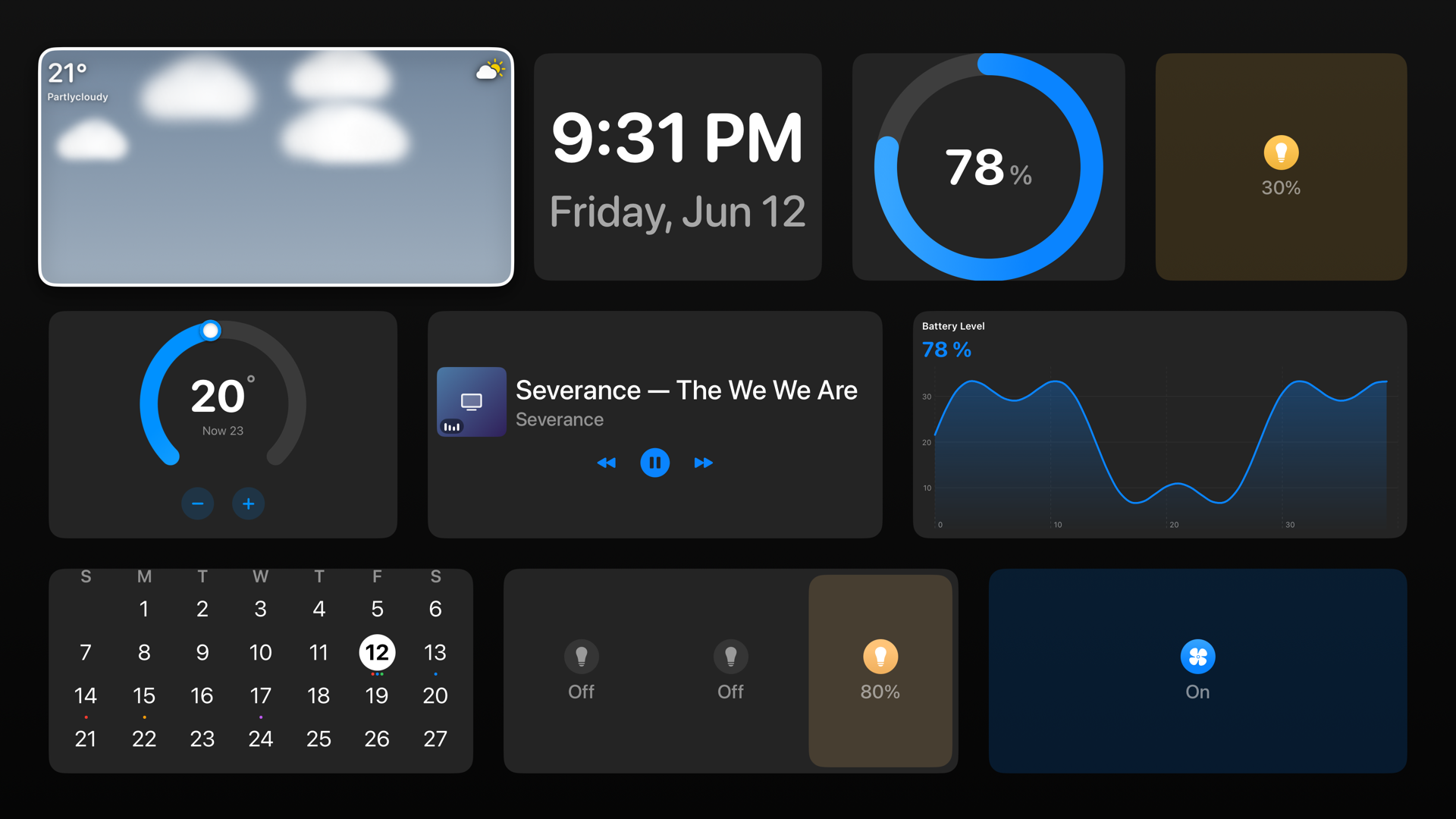
Design once on iPhone or iPad — your Apple TV picks it up automatically over iCloud.
Everything your smart home can do
One app, the whole of Home Assistant and Apple Home.
Lights & Color
Brightness, full RGB/WRGB color, and effects with rich, instant controls.
Climate
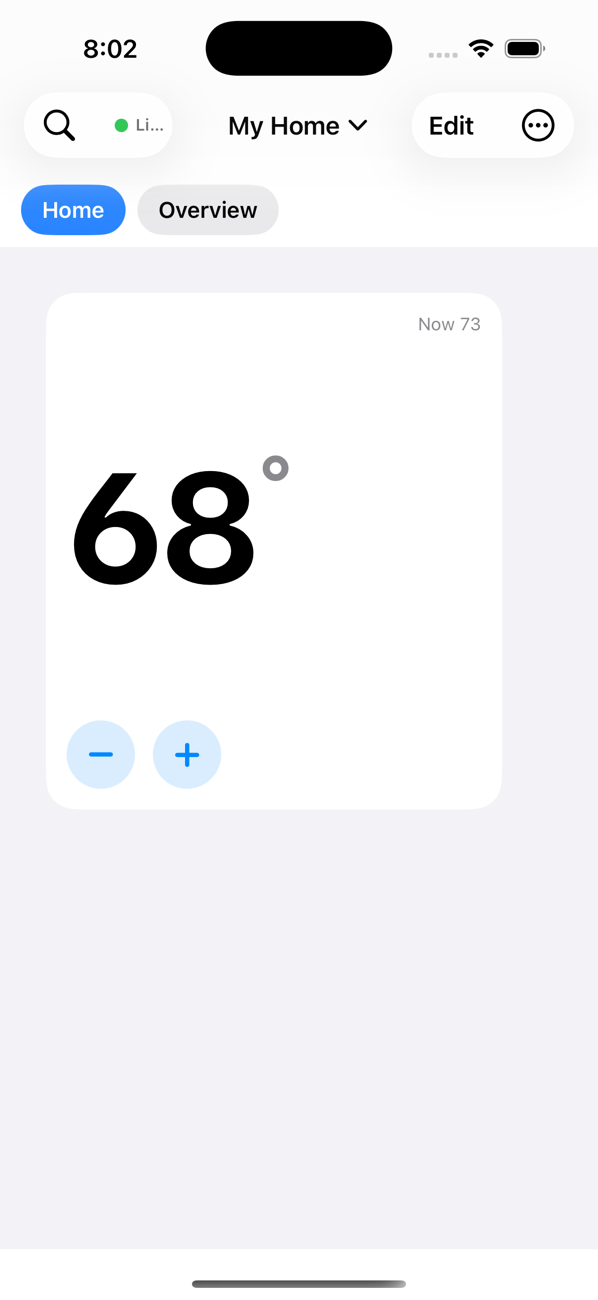
Beautiful thermostats in several designs, with optimistic, lag-free response.
Live Cameras
Stream your cameras right on the dashboard, with motion pop-ups.
Floor Plans
Draw your home and lay live, interactive controls right on the rooms.
Music in Every Room
Apple Music across AirPlay 2 speakers, multi-room groups, art & visualizers.
Energy Flow
See solar, grid, and battery move through your home in real time.
Calendar & Weather
Home Assistant and Apple calendars, plus Apple Weather forecast tiles.
Private by Design
Direct to your Home Assistant. No account, no tracking, no data collection.