Support & Documentation
Find setup guides, troubleshooting help, and answers to common questions.
Product Documentation
Each product has its own setup guide and documentation on GitHub.
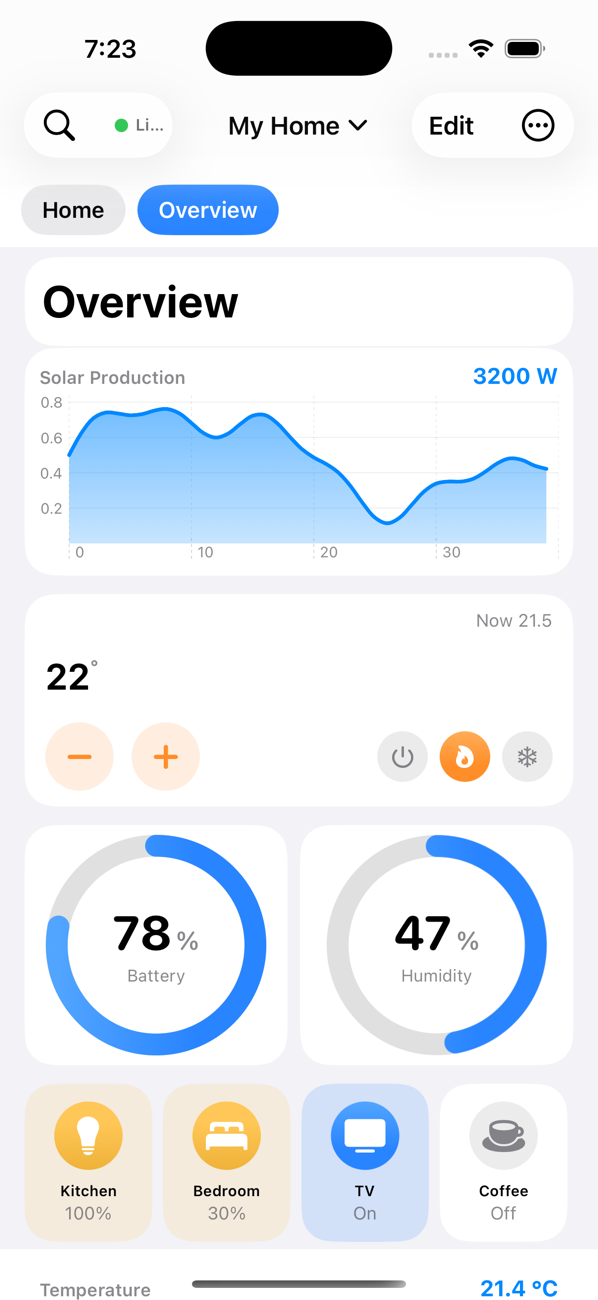
Flux Dashboard (iOS & Apple TV)
Frequently Asked Questions
Yes. On the Flux connection screen, tap Try the Demo to explore the entire app with realistic sample data — dashboards, controls, automations, and animated artwork — with no Home Assistant server or account required.
Open Flux and enter your Home Assistant address (for example homeassistant.local:8123 or your Home Assistant Cloud / Nabu Casa URL) plus a Long-Lived Access Token. Create a token in Home Assistant under your profile → Security → Long-Lived Access Tokens, then tap Connect. Flux works over your local network or remotely.
Make sure your device and Home Assistant are on the same network (for local connections), the address includes the correct port (usually 8123), and your access token is valid and hasn't been revoked. For remote access, confirm Home Assistant Cloud (Nabu Casa) or your reverse proxy is reachable. Your URL and token are stored securely in the iOS Keychain and survive app updates.
If you enable iCloud for Flux, your dashboards sync privately across your iPhone, iPad, and Apple TV through your own iCloud account. Flux connects directly to your Home Assistant — there is no Flux cloud, no account, and no analytics or tracking. See our Privacy Policy.
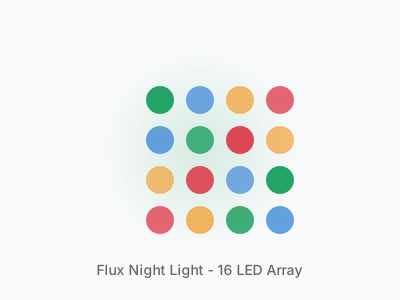
Our products are designed to work with Home Assistant. The Night Light uses ESPHome firmware and integrates seamlessly with your Home Assistant setup, and it can also be flashed with WLED as an alternative firmware or controlled through its built-in web server.
Yes! We provide STL files for the Night Light housing. You can buy just the circuit board from our store and print the housing yourself. The files are optimized for FDM printers and require no supports.
All Flux devices support OTA (Over-the-Air) updates. When connected to Home Assistant, updates can be pushed from the ESPHome dashboard. The Night Light also has a built-in web server for direct browser-based updates, and GitHub-hosted firmware releases. The Flux app updates through the App Store.
Still Need Help?
Open a GitHub issue for technical support, or reach out directly.
